Do you know which companies are visiting your website?
There are many platforms and tools to help you identify which companies your website visitors are coming from. We've settled on Leadinfo. It's cost-effective and gives you a lot of useful information to support your lead management. In addition, there are many great features and integrations that you can benefit from. As a Leadinfo partner, we can help you get started and take advantage of all the features.
Identifying company visits
With the help of Leadinfo, you can identify all companies that visit your website, as long as the visitor is linked to an IP address from a business or organization. The system works equally well in Sweden and globally. You don't need to ask your visitors for permission when you connect to Leadinfo, but you may want to add information to your privacy statement.
Clear dashboard
Your dashboard gathers all your most important data so you can get a simple and clear overview. Here you can see how many visitors from identified companies have visited your website in the last 24 hours. In a map view, you can see where visitors are coming from, here you can also navigate down to the region level to get an even more detailed picture. Then there are a number of different widgets that you can choose to have on your dashboard, such as most active companies, company size, industries, most visited pages and more.
Easy to use inbox
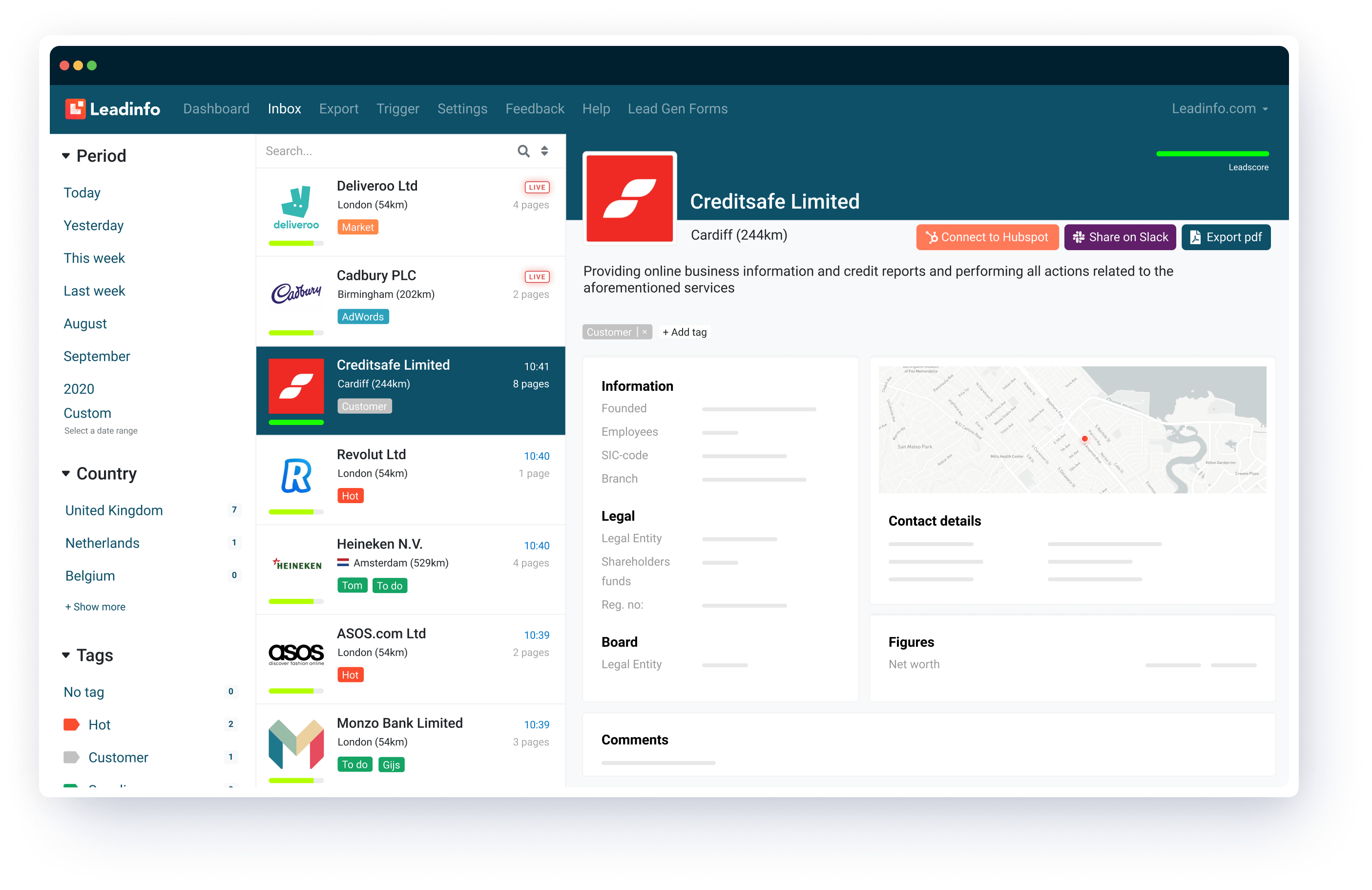
In your inbox, you will see which companies have visited you and you can choose the period you want to see in the list. Clicking on a company will bring up more detailed information about the company such as contact details, company facts, board members, latest figures, pages visited, links to key people on LinkedIn and company email addresses. In the inbox, you can also see which countries the companies are from and which channels they found you through, such as paid or organic search.
Filtering with triggers
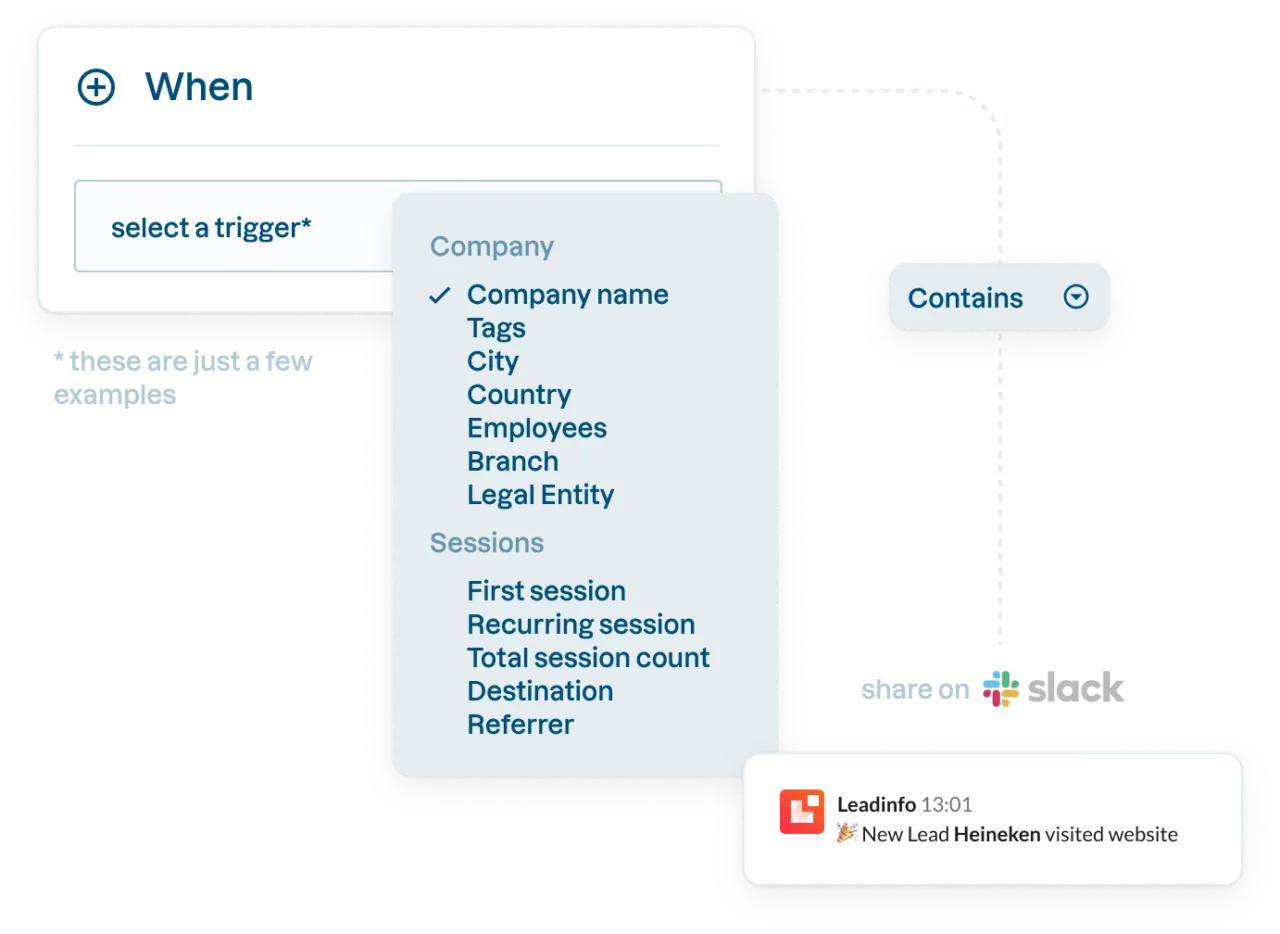
To make things easier if you have a lot of visitors, you can use tags and triggers to automate different processes and filter your leads. It's all governed by rules and activities. For example, you can set a rule that all visitors coming from a certain channel should be tagged in a certain way. Or if they have a certain turnover or are in a certain industry. If you have integrated Leadinfo with HubSpot, you can also set up triggers linked to the different stages of your pipeline and what you want to happen when a company in a certain stage visits you. You can also automatically add the company visitors that match the rules you set up such as revenue, channel, industry, etc.
Export to other systems
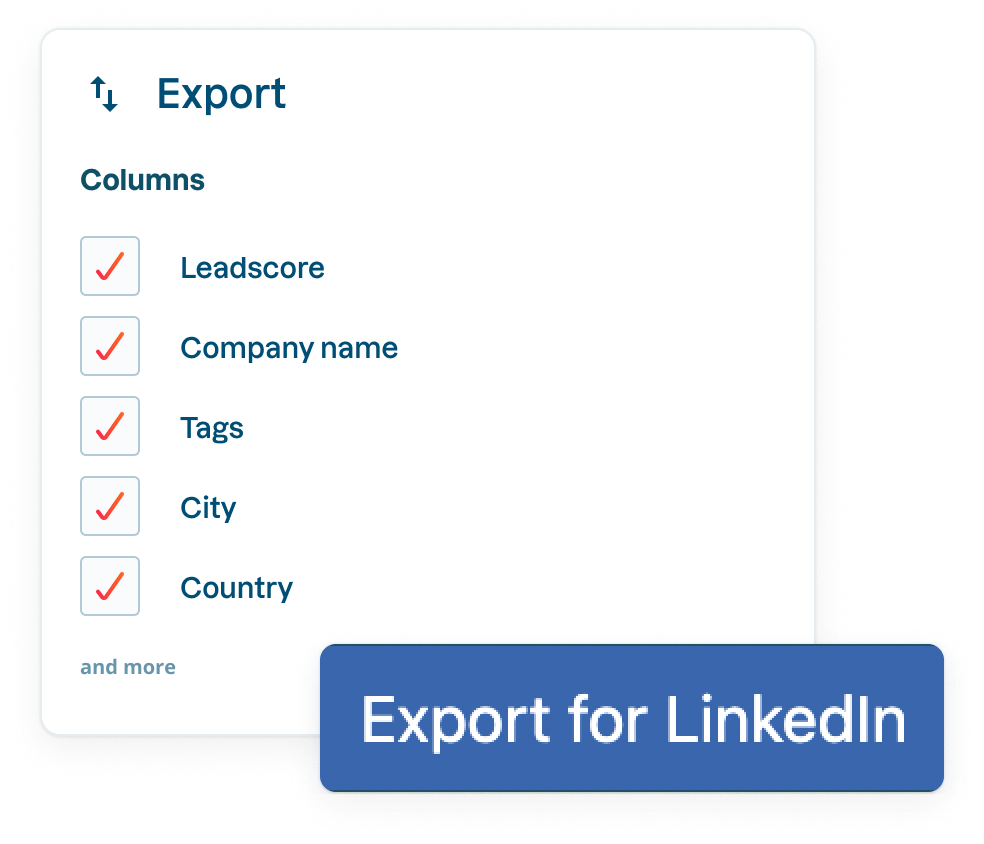
An important feature of Leadinfo is the ability to export your data in different formats. You can easily choose which columns and which companies based on your filtering you want to export. You can also export your companies for use on LinkedIn to identify matching companies based on a number of criteria. Another important feature is the ability to get different types of reports, either for yourself or for others to use.
Recording of navigations
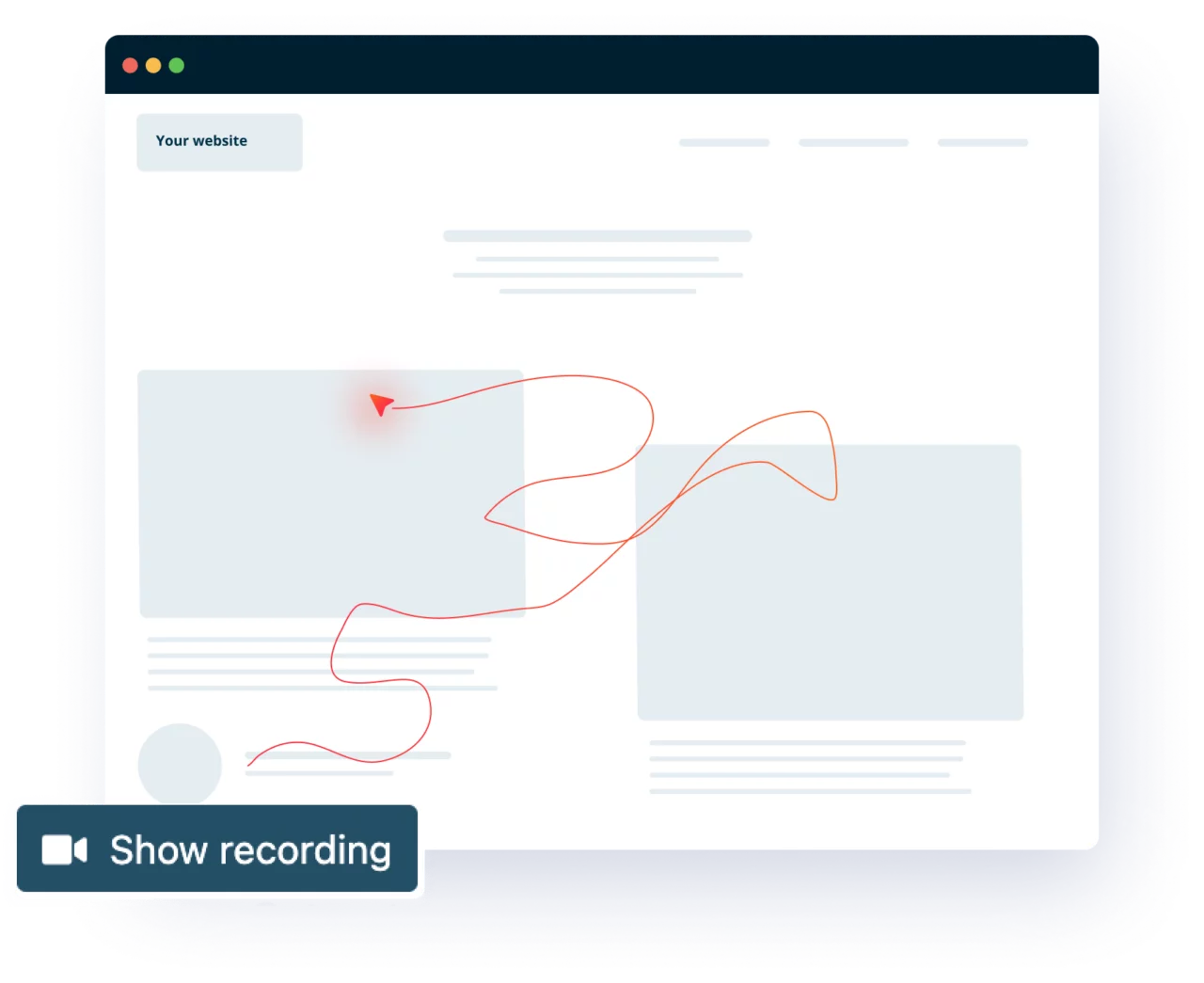
As an option in Leadinfo, you can choose to get screen recordings that show how your business visitors navigated your site and pages and what they clicked on. This is a perfect tool for those who want to gain better insights into your work to optimize flows and customer journeys on your website. You can also see how long they spent on different things and if you want to share the recordings with your colleagues, just share the url.
Set-up of lead generation forms
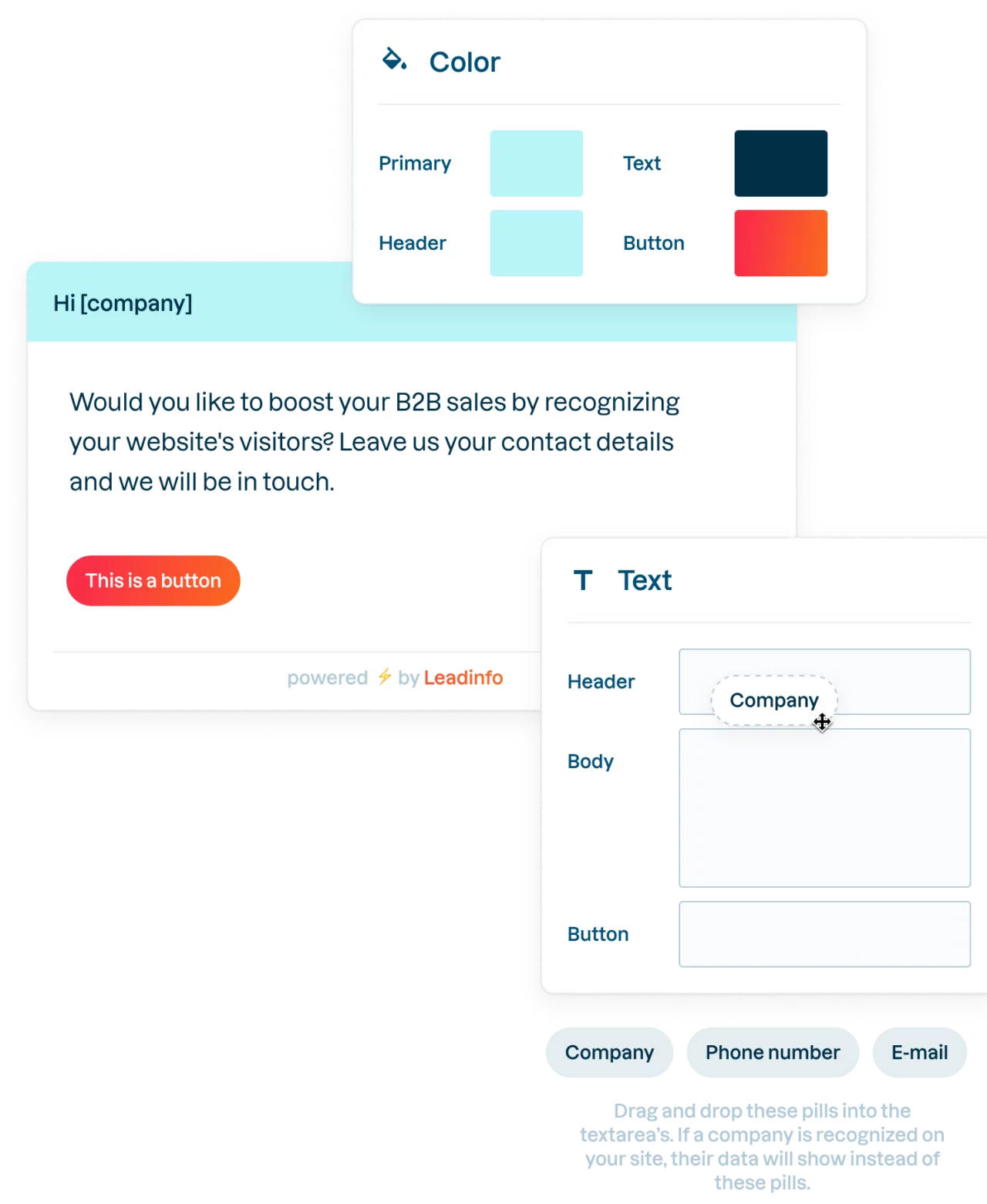
In addition, you can create Lead Gen forms directly in Leadinfo that are posted on selected pages on your website to get more people to leave their email address. For those who have HubSpot, it is smarter to use the pop-up form function that is there because it is more advanced.
Integration with other systems
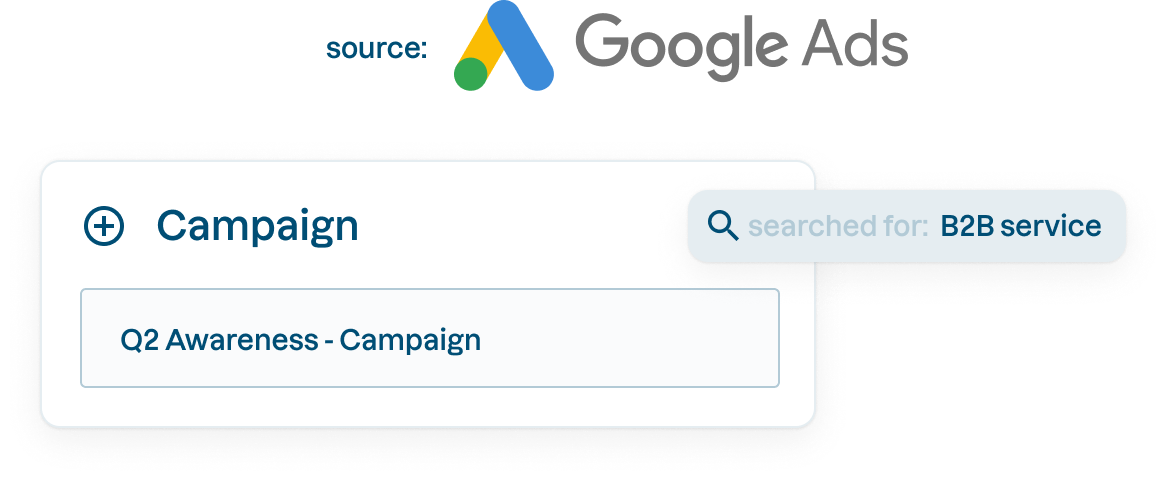
Since Leadinfo itself is a "single-function tool", i.e. it is primarily the identification of your business visitors that it complements, integrations with other systems and platforms are a must. Leadinfo has spared no expense here, integrating with everything from the leading CRM systems to project management systems and Google. For us at Navigator and for our customers, the integration with HubSpot is particularly important.
We help you get started
We at Navigator have been a certified Leadinfo agency partner for some time and can help you get started. We take care of the technical side of things and implement a script on your website so that you can quickly start identifying which companies your visitors come from. After a few weeks, you can get a good idea of what the cost, based on the number of identifiable companies per month, will be in your case. Most people get a monthly cost of between 50 and 200 Euros. You can read more about what we can help you with in our news about being a Leadinfo partner.

Related posts

LinkedIn as a growth engine - how to build a successful presence
In recent years, LinkedIn has evolved from a pure networking platform to a powerful channel for B2B marketing, employer branding and lead generation. With over 1 billion users globally, LinkedIn is a platform where companies can build brands, attract new customers and create business opportunities. But how do you maximize your presence on LinkedIn? In this post, we'll walk you through step-by-step how to work on your company profile, personal profile, organic content, advertising and social selling.

What is Threads and does my company need an account?
In mid-December, Instagram launched Threads in Sweden and over the Christmas holidays, the app went hot on many people's phones. But how does the app work, and is it worthwhile for businesses to register an account on Threads? Navigator explains.

The wonderfully immeasurable
There is hardly a sports journalist today who does not start an interview with the question: "How does it feel?" The phrase has become a cliché, but at the same time it puts its finger on what it's all about. That we are human. We already know how the game ended and how many goals were scored. We know how many minutes the teams were sent off. We know the possession of the ball down to the second. But it's not enough to know how the game went, we also want to know how it felt. The winner is high on euphoria. The loser is crying bitterly. And of this, we humans cannot get enough. We want more of the divine. This amazing thing that cannot be quantified in numbers, minutes or dollars.